Loading
projects
Altify
creative-codingmachine-learningaccessibility
- Role
- Creator & Developer
- Timeline
- Spring 2024
- Technologies
- Next.jsReactTransformers.js (@xenova/transformers)Web Workers (ES Modules)DistilViT (ONNX)WAI-ARIA Live RegionsTailwind CSS
Altify is a client-side AI accessibility tool—built as both a standalone Next.js web application (altify-ajr.netlify.app (opens in new tab)) and a companion Chrome extension—that generates descriptive alt text for unlabelled images directly inside the browser using Transformers.js (@xenova/transformers) and DistilViT (tarekziade/distilvit / Mozilla/distilvit).
Because all vision-language inference executes locally inside an ES Module Web Worker with browser-cached ONNX weights, users with visual impairments can caption local photos or remote web images without uploading private media to third-party cloud APIs or blocking the main UI thread.
System Architecture
1. Singleton ONNX Pipeline Inside an ES Module Web Worker (src/app/worker.js)
Running a Vision Transformer + GPT-2 decoder on the main browser thread would freeze scrolling, keyboard focus, and screen-reader announcements during tokenization and forward passes. Altify isolates model initialization and inference inside a dedicated module worker (new Worker(new URL('./worker.js', import.meta.url), { type: 'module' })) with persistent browser cache storage enabled (env.useBrowserCache = true):
javascript
// src/app/worker.js — Singleton DistilViT image-to-text pipeline in a Web Worker
import { pipeline, env } from '@xenova/transformers';

env.allowLocalModels = false;
env.useBrowserCache = true;

const CORS_PROXY =
  process.env.NEXT_PUBLIC_CORS_FIX_URL ||
  'https://cors-anywhere.herokuapp.com/';

class Image2TextPipeline {
  static instance = null;

  static async getInstance(progress_callback = null) {
    if (!this.instance) {
      this.instance = pipeline('image-to-text', 'tarekziade/distilvit', {
        progress_callback,
      });
    }
    return this.instance;
  }
}

self.addEventListener('message', async (event) => {
  const captioner = await Image2TextPipeline.getInstance((progress) => {
    self.postMessage(progress);
  });

  const targetUrl = event.data.url.startsWith('data:')
    ? event.data.url
    : CORS_PROXY + event.data.url;

  const output = await captioner(targetUrl);
  self.postMessage({ status: 'update', output });
});
On the first visit, the worker streams granular shard-download events (initiate, progress, done, ready) back to the React UI as the quantized ONNX checkpoints download from Hugging Face Hub into the browser's Cache API. Subsequent visits load the model directly from local cache.
2. Screen-Reader-First WAI-ARIA Live Region Choreography (src/app/page.js)
Because Altify is designed for assistive technology users, the React interface pairs visual progress bars with two distinct WAI-ARIA live regions so screen readers (such as macOS/iOS VoiceOver and NVDA) announce both model warm-up and finished descriptions automatically:
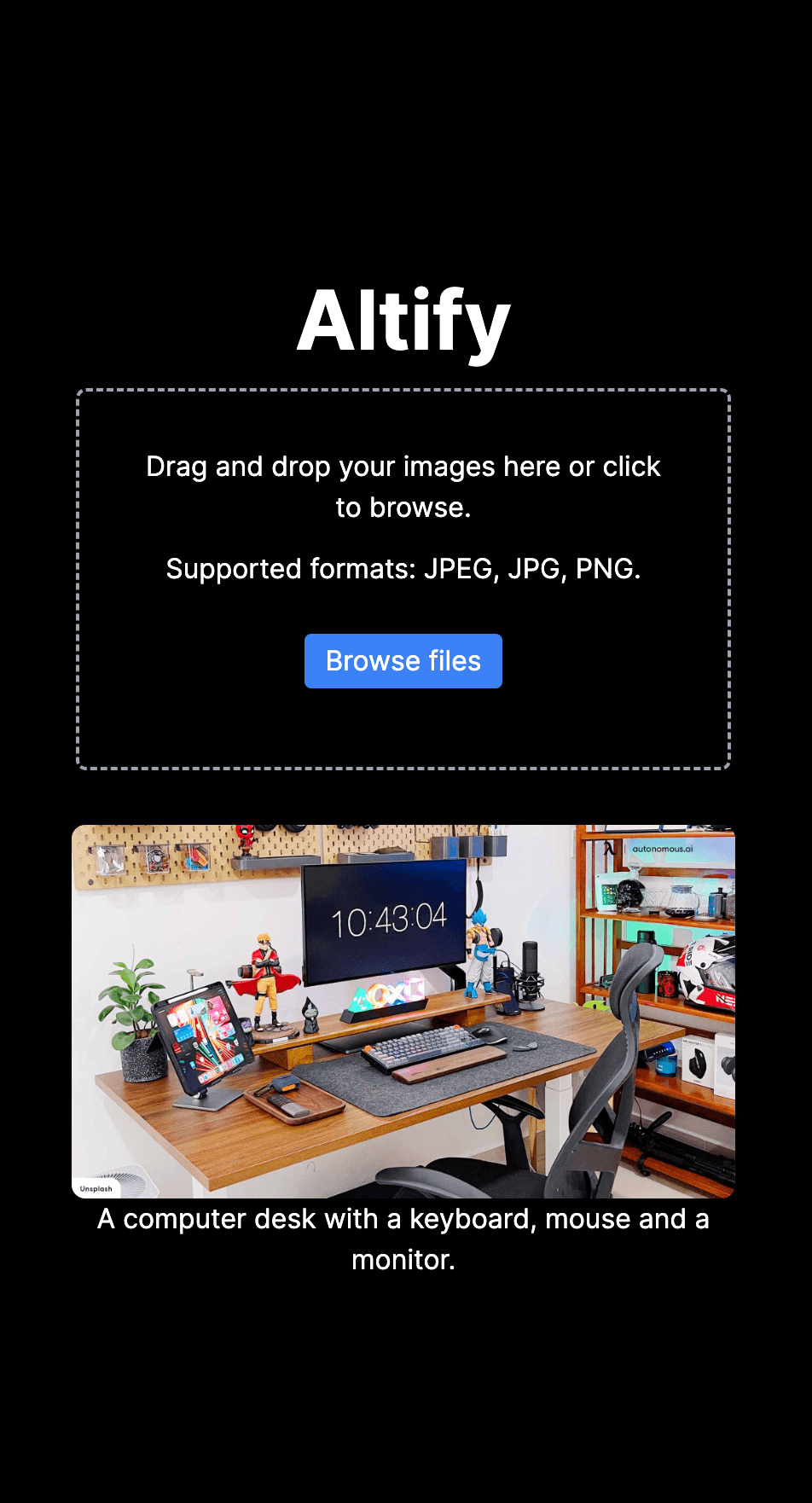
aria-live="assertive"Model Progress Container: Announces one-time ONNX weight download status ("Loading models... (only run once)") so screen-reader users know why initial inference takes a few seconds on cold start.aria-live="polite"Figure Gallery: Wraps each captioned image in a semanticrole="figure"container where the<img>element'saltattribute and linked<figcaption id="description-${index}">(aria-describedby) transition from"Loading caption..."to the generated description (output.generated_text), triggering a polite screen-reader readout as soon as the worker posts itsupdatemessage.- Dual Input Ingestion (
FileDrop): Accepts both local drag-and-drop / mobile camera Roll uploads (converted to base64data:URLs viaFileReader.readAsDataURL) and remote image URLs.
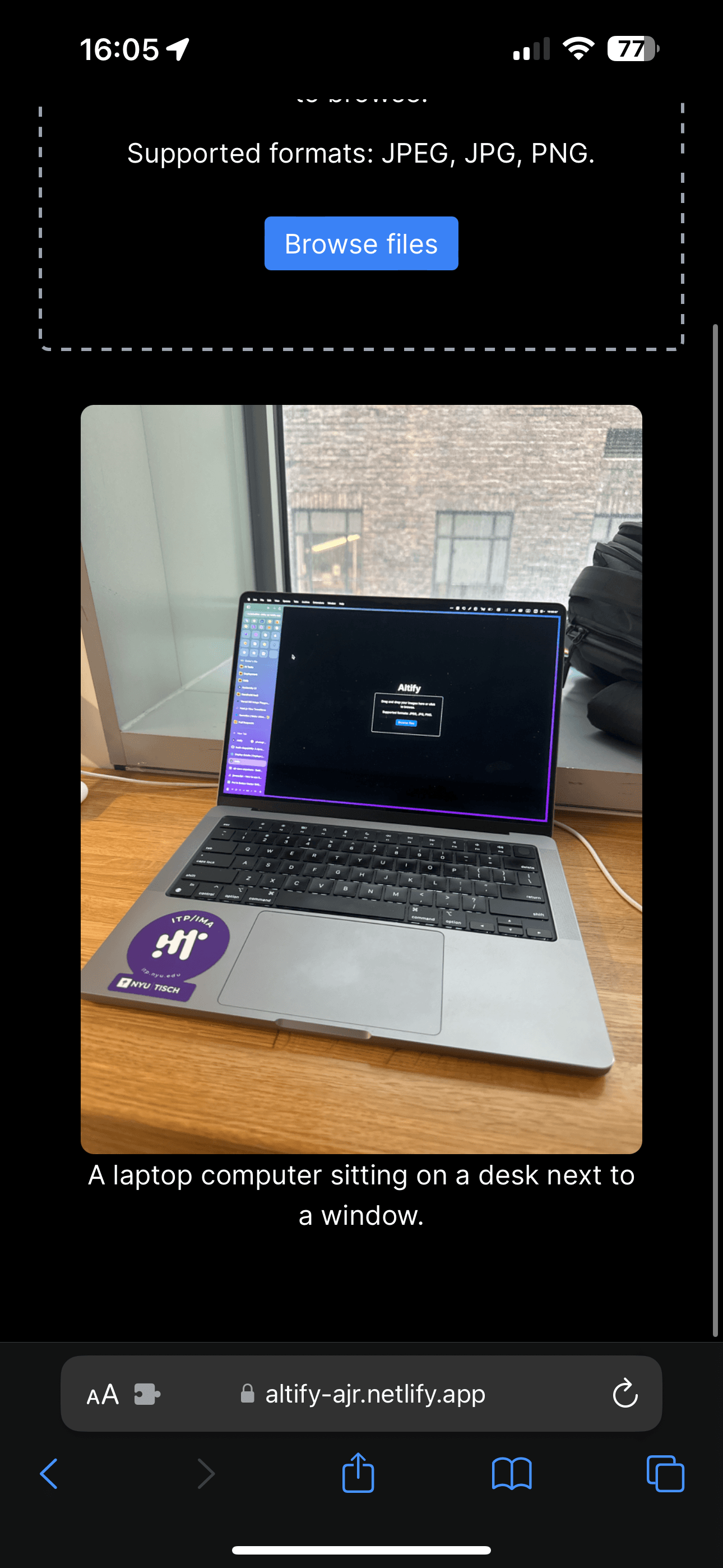
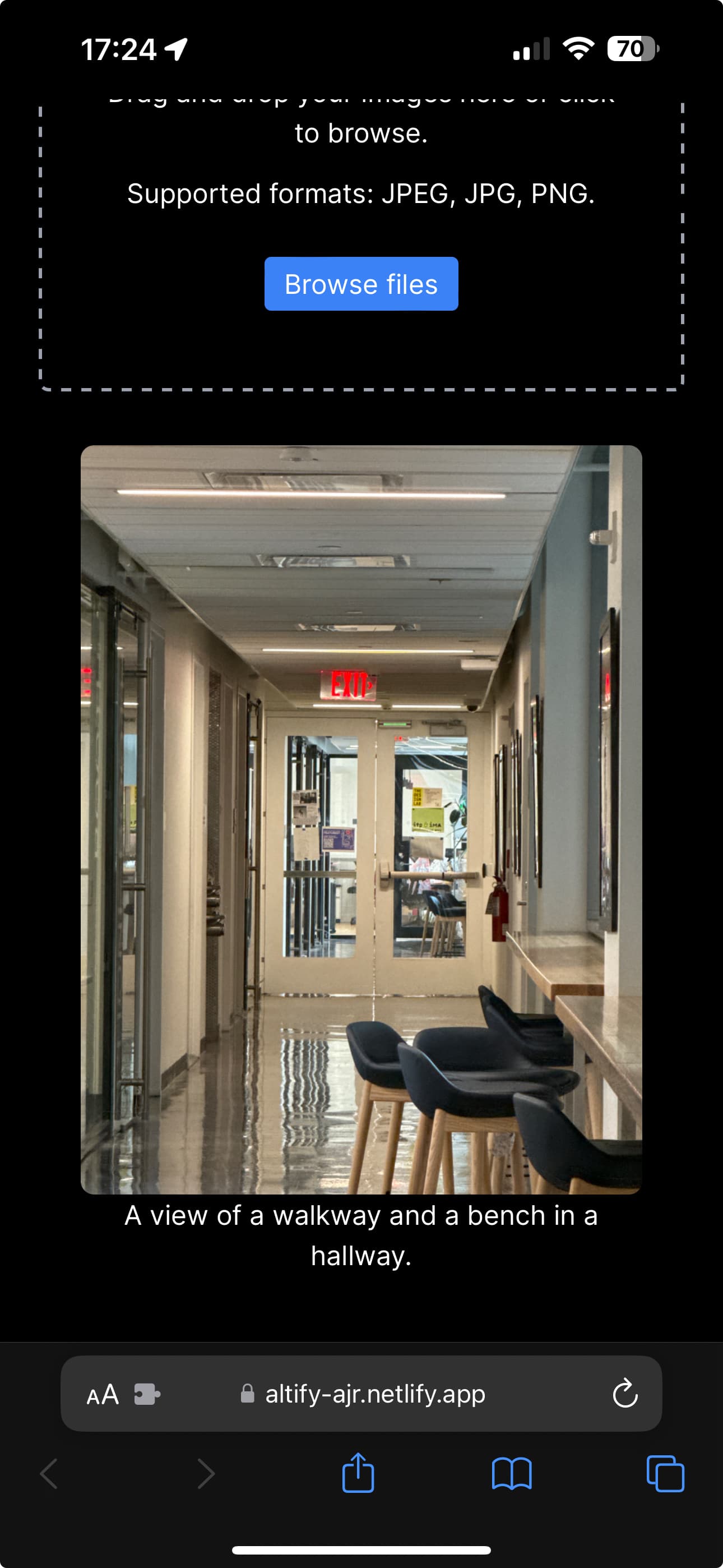
Altify running on mobile Safari with VoiceOver-compatible live captioning